Before and After Gallery Website Guide: Turn Photos Into Leads
· Digital Advantage Studios LLC, Miami Beach, FL
Short answer: A before and after gallery website section converts visitors by proving your competence visually. To sell the job, your gallery needs consistent camera angles, fast-loading images, and descriptive captions explaining the problem you solved. Five carefully documented transformations will always book more jobs than fifty random photos dumped directly from your phone.
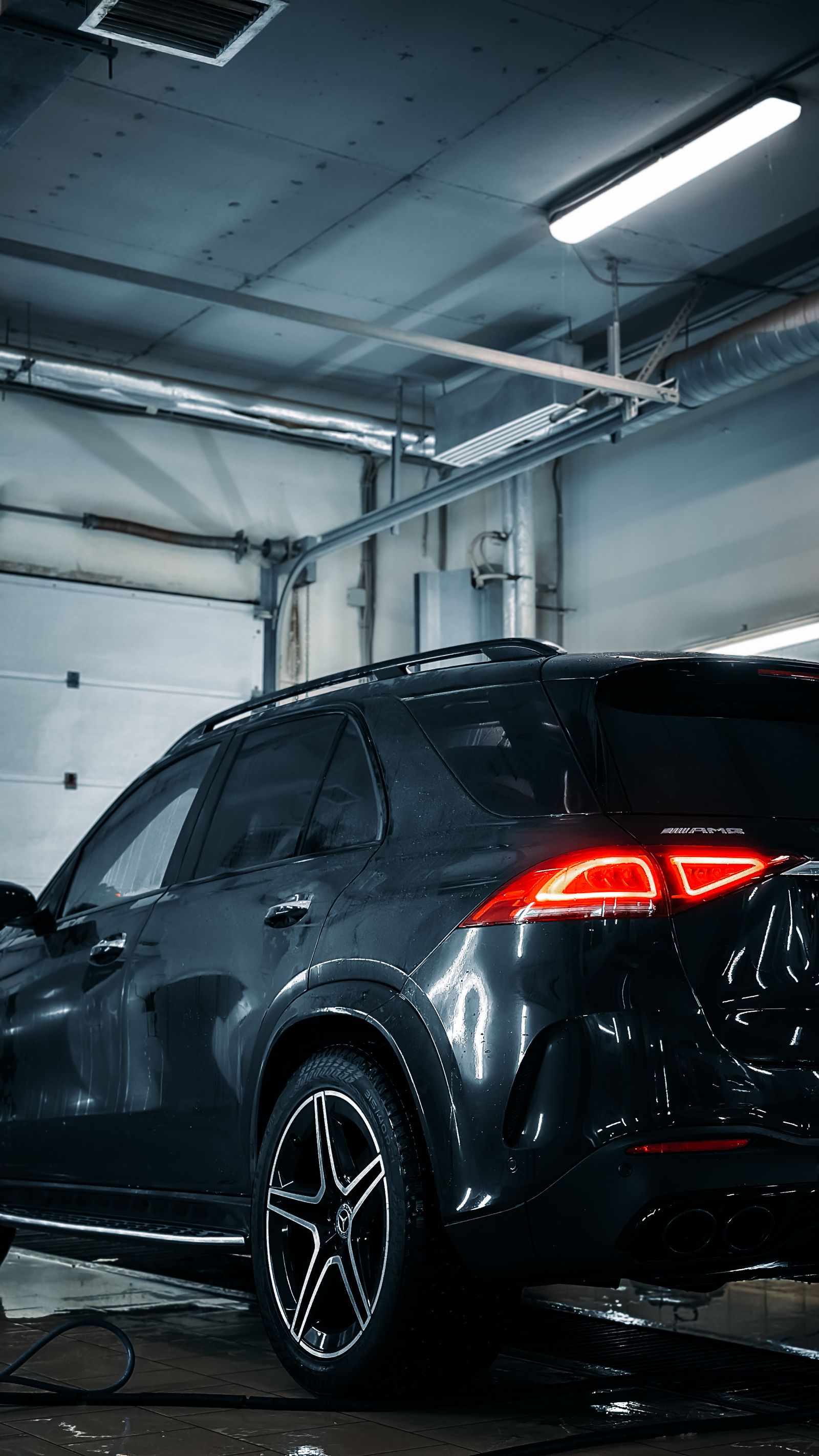
A before and after gallery website section sells your services by proving your competence visually. To convert visitors into clients, your gallery needs consistent camera angles, fast-loading optimized images, and captions that explain the specific problem you solved. Five carefully documented transformations will book you more jobs than fifty random, uncaptioned photos dumped from your camera roll.
Visitors to a local service website are looking for one thing: proof that you can fix their specific problem. They do not want to read paragraphs about your dedication to quality. They want to see what a disastrous situation looked like before you arrived, and how pristine it looked when you left. Building an effective gallery is a core component of Web Design & Conversion, but most contractors approach it the wrong way. They upload dozens of massive image files, slowing down their site, with zero context for the viewer.
Here is how to build a portfolio that actually works to sell your services.
Why Visual Proof Outperforms Written Promises
When a homeowner hires a plumber to replace a corroded water heater, or when they hire a landscaper to clear an overgrown yard, they are buying an invisible product. Until the job is completely finished, they have nothing to hold in their hands. They have to trust you on faith alone. A before and after gallery removes that requirement for blind faith.
Most business owners we speak to assume their list of services is what sells the customer. In reality, the list of services simply confirms you do the work; the gallery is what proves you are good at it. Showing a muddy, oxidized car hood next to a gleaming, mirror-finish hood immediately validates your pricing. It tells the customer that you deliver a tangible, dramatic change.
Homeowners do not buy services; they buy the successful transformation of their problem.
When we look at an auto detailing shop website design in Detroit, the sites that generate the most calls do not rely on stock photos of clean cars. They rely on gritty, realistic photos of dirty local cars being restored to showroom condition. Visual proof bypasses a customer's skepticism.
Mastering Shooting Consistency on the Job Site
If your "before" photo is a blurry, dark shot taken from across the room, and your "after" photo is a brightly lit, extreme close-up, the viewer's brain struggles to connect the two images. They do not look like the same object. The impact of the transformation is completely lost.
To make a gallery work, you have to shoot your photos deliberately. When you arrive at a job site, take a moment to stand in a specific, memorable spot. Frame the shot so you capture the problem clearly. When the job is done, stand in that exact same spot. Hold your phone at the exact same height. Try to match the lighting as closely as possible. If the room was illuminated by a specific overhead light in the first shot, turn it back on for the second.
A visual transformation only works if the framing remains identical between the two shots.
Aspect ratio is the proportional relationship between an image's width and height. If your before photo is a tall vertical shot and your after photo is a wide horizontal shot, putting them side-by-side on a website looks messy and unprofessional. Pick one orientation—usually horizontal for wide landscape work or vertical for tight spaces—and stick to it for both photos in the pair.
The Secret to Conversion is in the Caption
A photo of a new roof is nice, but a photo of a new roof with a caption that says, "Replaced wind-damaged shingles in one afternoon to stop a severe attic leak" is a sales tool. Visitors to your website are not experts in your trade. They might look at a photo of a clean pipe and not understand the disaster you prevented to get it that way.
Do not upload files named "IMG_4921.jpg" and expect the customer to figure out what they are looking at. Every pair of photos in your gallery needs a short, punchy caption. State the original symptom the customer called you about. Then state the specific action you took to resolve it. Finally, mention how long it took or the immediate benefit to the customer.
An image shows what you did, but a caption explains why the customer should care.
This is also critical for local search visibility. Search engines cannot see the dirt on a driveway; they read the text surrounding the photo. Alt text is a written description of an image used by screen readers and search engines. By captioning your gallery with real problems and solutions, you are naturally feeding search engines the exact phrases your next customer is typing into Google.
Load Speed and Technical Image Performance
Modern smartphones take incredible photos. The tradeoff is that those photos are massive files, often weighing five to ten megabytes each. If you upload ten pairs of these high-resolution photos directly to your website, you are forcing the user's phone to download over one hundred megabytes of data just to look at your past work.
Most visitors will simply hit the back button before the first image even appears. When estimating a plumbing company website cost in Durango, you must factor in proper development practices, not just visual design. A gallery that looks great on a desktop monitor in your office might be completely broken on a spotty cellular connection in a residential neighborhood.
A gallery that takes ten seconds to load is a gallery that no one will ever see.
To solve this, images must be resized and compressed before they hit the live site. We utilize our proprietary app system to handle these optimizations automatically, ensuring crisp visuals without the heavy file size penalty.
Lazy loading is a web development technique that delays downloading images until a visitor actually scrolls down to see them. If your gallery sits at the bottom of the page, the browser will not waste time loading those photos while the user is still reading your headline at the top. This keeps your site lightning fast.
Curation: Why Five Pairs Beat Fifty Random Photos
Many contractors treat their website gallery like a backup hard drive. They dump every photo they have ever taken on the job site onto a single page. This creates overwhelming cognitive fatigue for the visitor.
No one is going to scroll through sixty photos of random air conditioning units. They want to see a few compelling examples that prove you know what you are doing. If you overwhelm them with repetitive, mediocre images, you dilute the impact of your very best work.
Five perfect examples build trust, while fifty mediocre photos create fatigue.
Select your absolute best transformations. Pick one great example for each of your core services. If you are an electrician, show one panel upgrade, one landscape lighting installation, and one messy wiring cleanup. This proves your range without boring the reader.
Gallery Optimization Checklist
| Element | Why It Matters | How to Execute |
| :--- | :--- | :--- |
| Angle Match | Confirms to the eye it is the same object. | Stand in the exact same spot at the same height for both photos. |
| Lighting | Prevents the "after" photo from looking deceptive. | Turn on the same room lights or shoot at a similar time of day. |
| Compression | Keeps the website loading instantly on mobile. | Resize images to max 1920px wide and use modern formats. |
| Captions | Explains the value of the technical work done. | Write one sentence on the problem and one on the solution. |
| Curation | Prevents visitor fatigue and overwhelm. | Limit the gallery to 5-10 of your absolute best transformations. |
Structuring the Layout for Mobile Visitors
How you display the photos matters just as much as the photos themselves. You generally have two choices: a grid layout or a slider.
A grid layout places the before and after photos side-by-side or stacked on top of each other as the user scrolls down the page. This is usually the best approach for mobile phones. It requires zero effort from the user. They just scroll with their thumb and the transformations appear naturally in their feed.
Sliders force the user to tap an arrow or drag a handle across the screen to reveal the "after" image. While this looks interactive and modern on a desktop computer, it can be frustrating on a mobile phone if the touch targets are too small or if swiping the image accidentally scrolls the page sideways.
Users want to scan easily to find their specific problem before zooming in on the solution.
Keep the layout dead simple. Put the "Before" photo on the left or top. Put the "After" photo on the right or bottom. Label them clearly in bold text. Do not make the user guess which is which.
Your Next Step: Launching a Gallery That Works
Building a high-converting gallery takes discipline on the job site, but putting it online should be effortless. At Digital Advantage Studios, we build custom-coded websites designed specifically to turn your past work into future leads.
Our Launch plan is exactly $99/mo with no setup fee. It includes a custom 1-page website that is generated in about 60 seconds and goes live today. Your custom domain is included and goes live within 24–48 hours once DNS propagates. This plan includes local SEO setup, a 24/7 AI chatbot trained on your business to capture leads, and instant text and email alerts so you never miss a job.
You can cancel anytime with no long-term contracts. If you want to see exactly how your own before and after gallery website section could look, you can see your site in 60 seconds right now. Stop letting bad photos cost you good jobs.