The Complete Playbook for Your Salon Website
· Digital Advantage Studios LLC, Miami Beach, FL
Short answer: A high-performing salon website turns late-night browsing into booked chairs. To succeed, your site needs a mobile-first design, a transparent service menu with pricing, individual stylist galleries, integrated online booking, and AI-powered lead capture to answer questions instantly. Focus on trust and convenience to maximize local visibility and appointment volume.

The Core Job of Your Salon Website
A profitable salon website does one thing above all else: it gets clients into your chairs. To achieve this, your site must feature a friction-free online booking system, a transparent service menu with clear pricing, dedicated stylist portfolios, and automated lead capture for after-hours inquiries. Everything else is a distraction.
Most local service owners we speak to treat their website like a digital business card. They put up a logo, a phone number, and a few stock photos of hair models. But your prospective clients expect a digital concierge. When someone is scrolling Instagram at midnight and decides they need a haircut or a color correction, they want to see your prices, view real examples of your work, and lock in an appointment immediately. If they have to wait until 9 AM the next day to call you, they will likely forget or book with a competitor who offers instant online scheduling.
This guide is part of our Industry Playbooks series. It is designed to give salon owners, barbers, and beauty professionals a clear, no-nonsense roadmap to building an online presence that actively drives revenue rather than just sitting idle on the internet.
Why Online Booking is the Ultimate Conversion Engine
For salons and barbershops, the transaction happens in the shop, but the conversion happens online. The moment a visitor commits to a specific time slot, your website has done its job.
The best salon websites treat online booking not as a feature, but as the primary destination for every visitor.
Consider the daily reality of running a busy shop. You have foils in a client's hair, the blow dryers are running loud, and the phone starts ringing. You cannot abandon the client in your chair to play calendar tetris with a caller. Online booking solves this operational bottleneck. By placing clear, unmissable "Book Appointment" buttons in your site's header, footer, and after every service description, you guide the user directly to your calendar.
Booking software is a specialized application that handles calendar availability, stylist schedules, and client reminders. Platforms like Vagaro, Mindbody, or Square Appointments handle the backend logistics beautifully. Your website's job is to seamlessly integrate these tools so the client never feels like they are leaving your brand's ecosystem.
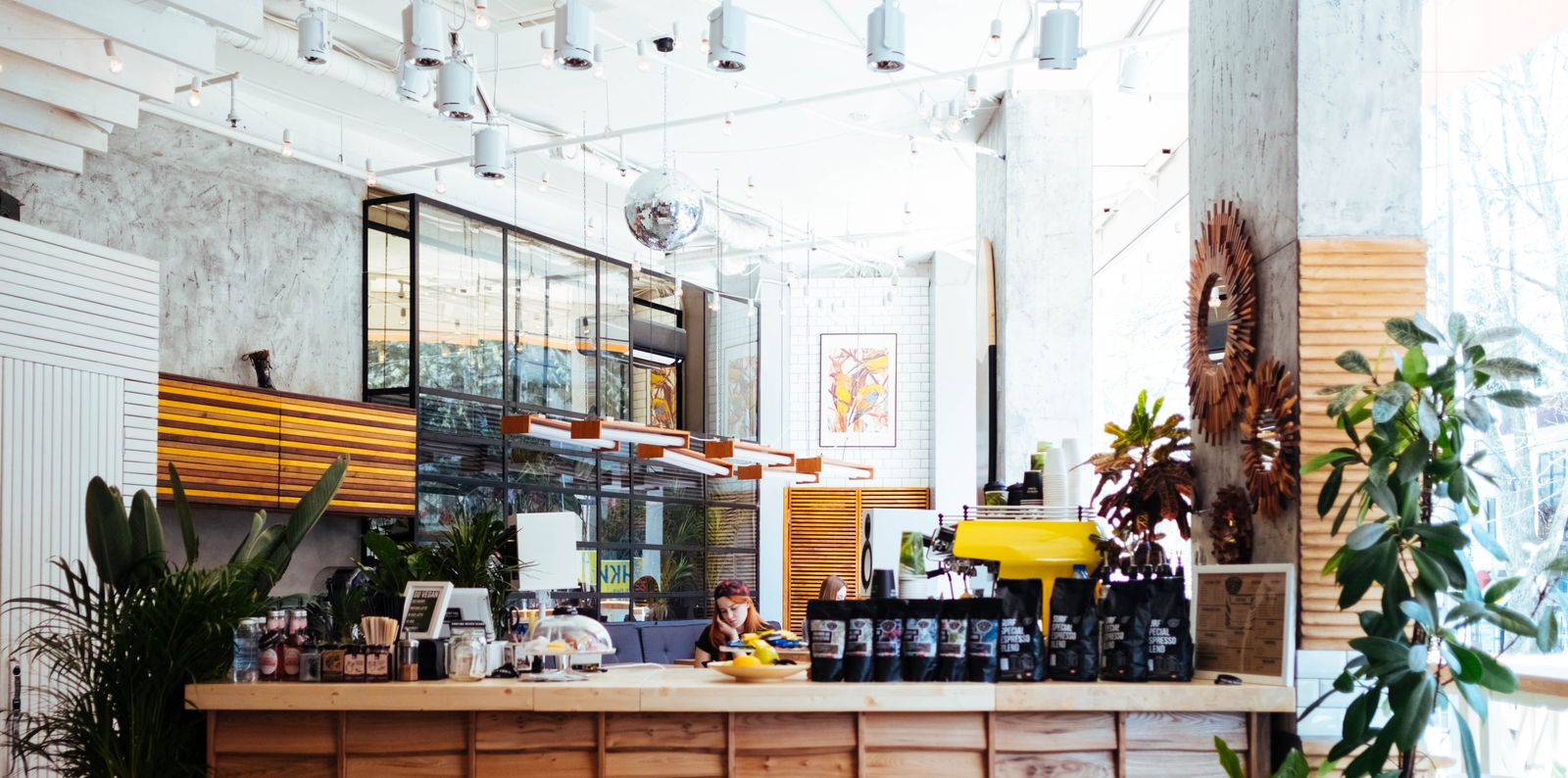
!Welcoming salon front desk — The Complete Playbook for Your Salon Website
Structuring Your Service Menu and Pricing
Many salon owners are hesitant to list their prices online. They worry about scaring off clients or want the opportunity to "sell" the value over the phone. This is a mistake. Hiding your pricing creates immediate friction for the consumer.
Hiding your prices does not create mystery; it creates friction that sends potential clients to your competitors.
A service menu is a structured list of your offerings, durations, and costs. It needs to be the easiest thing to find on your website. When a potential client cannot find a baseline cost for a balayage or a men's fade, they assume it is out of their budget. Transparency builds trust before the client ever walks through your doors.
Organize your services into logical categories. Keep the names clear rather than clever. If a client does not know what a "Mermaid Transformation" includes, they will not book it.
Here is how to properly format your service menu for maximum clarity:
| Service Category | Bad Example (Vague) | Good Example (Clear & Actionable) |
|---|---|---|
| Women's Haircuts | "Call for price" | "Women's Haircut & Style (60 min) - Starting at $65" |
| Color Services | "Balayage" | "Full Balayage & Gloss (180 min) - Starting at $180" |
| Barbering | "Beard Trim" | "Hot Towel Beard Trim (30 min) - $35" |
| Extensions | "Consultation Required" | "Extension Consultation (30 min) - $50 deposit applied to service" |
Notice the use of "Starting at" for variable services. This protects your margins for clients with extremely thick or long hair while still giving the user a baseline expectation.
Showcasing Talent: Stylist Portfolios and Galleries
Hair and beauty are highly personal services. Clients are rarely loyal to a building; they are loyal to a stylist. Your salon website needs to highlight the humans who actually perform the work.
A client is infinitely more likely to book when they can see proof of a stylist's specific expertise.
Create a dedicated "Our Team" section. Every stylist, colorist, or barber should have a brief biography explaining their specialties. If you have a stylist who excels at vivid colors, and another who specializes in traditional straight-razor shaves, those facts need to be front and center.
Pair these biographies with real portfolio work. Do not use stock photography. Your clients want to see the actual results your team produces in your actual shop. Linking each stylist's profile directly to their specific booking link inside your scheduling software removes another layer of friction.
If you want to see examples of how clean, visual layouts handle portfolios, you can browse our concept portfolio to see how modern designs prioritize imagery.
Managing the Schedule: Policies and Trust Signals
Empty chairs cost you money. No-shows are the bane of the service industry, and your website is your first line of defense against them. Your cancellation and deposit policies must be clearly stated before the client finalizes their booking.
A cancellation policy is a set of rules outlining the financial penalties or lost deposits for missing a scheduled appointment.
Dedicate a section of your site to clearly outline how you handle late arrivals and missed appointments. Frame this positively: "To ensure every client receives our full attention, we require 24 hours notice for cancellations." When these expectations are set early, you eliminate the awkwardness of enforcing them later.
Beyond policies, your website needs trust signals. Trust signals are elements that prove your business is reputable, such as Google reviews, awards, or before-and-after photos. Pull your Google reviews directly onto your homepage. When a visitor reads a glowing review from a local resident about how your salon saved their damaged hair, their booking anxiety disappears.
The Local Visibility Playbook: SEO for Salons
Having the most beautiful salon website on the internet is useless if no one in your city can find it. When someone needs a haircut, they pull out their phone and search "barbershop near me" or "hair salon in [City]". You need to appear in those results.
Visibility without conversion is just traffic; local SEO ensures the right traffic finds your booking button.
Local SEO is the practice of optimizing your online presence to attract more business from relevant local searches. The rules of local visibility apply universally to service businesses. Whether you operate a luxury salon in Miami Beach or you are wondering why your business isn't showing up on Google in Cullman, search engines look for the same structural signals.
To ensure your salon ranks well locally, your website needs a specific foundation:
- Mobile-First Design: Over half of your traffic will come from smartphones. If your site requires pinching and zooming, users will leave. Google actively penalizes sites that do not perform well on mobile.
- LocalBusiness Schema Markup: This is hidden code that explicitly tells search engines your exact business name, address, phone number, and operating hours.
- Consistent NAP: Your Name, Address, and Phone number must be identical on your website, your Google Business Profile, and your social media accounts.
- Fast Load Times: Large, uncompressed images of hairstyles will slow down your site and hurt your rankings.
If you are researching the costs associated with getting this setup correctly, you might notice that a plumbing website cost in Durango looks very similar to a salon website cost. The underlying technology—fast hosting, proper schema, and lead capture—is identical across local service industries.
Capturing Late-Night Leads with AI
Salons receive a massive volume of specific, repetitive questions. "Do you have availability this afternoon?" "Do you work with curly hair?" "How much is a balayage?"
An unanswered question at midnight is a lost appointment by morning.
When these questions come in via web chat or text message outside of your normal operating hours, they usually go unanswered until the next day. By then, the client has already booked elsewhere. This is where automation changes the game.
At Digital Advantage Studios, our entire system is built around capturing these leads instantly. Our Launch plan is $99/mo with no setup fee. It includes a custom 1-page website live in 48 hours, plus a 24/7 AI chatbot trained specifically on your salon's business details. If a client asks about parking or pricing at 2 AM, the AI answers accurately and directs them to your booking link.
For voice calls that happen while you are busy with a client, an AI receptionist is available as an add-on to the Launch plan for $79/mo. It handles the overflow so you never miss an opportunity, allowing you to focus entirely on the client in your chair.
Next Steps for Your Salon Website
Your website should be your most reliable, highest-performing employee. It needs to work 24 hours a day, answer basic questions perfectly, showcase your absolute best work, and seamlessly book appointments without you lifting a finger.
If your current setup is just a static page that forces clients to call you during business hours, you are leaving money on the table. Transitioning to a high-converting setup does not require a massive upfront investment or weeks of development time.
We build custom websites equipped with AI lead capture, local SEO, and your specific service menus integrated perfectly. If you want to see exactly how this could look for your specific salon or barbershop, you can get a free site preview today. We will show you the design before you ever commit, and our simple pricing means you can cancel anytime without being locked into a long-term agency contract.