Google Business Profile Messaging: Turn It On or Off?
· Digital Advantage Studios LLC, Miami Beach, FL
Short answer: If you cannot reply to inquiries within five minutes, turn Google Business Profile messaging off. Customers expect instant answers, and Google will revoke your access if you take longer than 24 hours to reply. Only leave this feature turned on if you have a dedicated dispatcher or an automated AI answering system.

The Honest Answer for Busy Business Owners
If you are a solo operator or cannot reply to messages within five minutes, turn Google Business Profile messaging off. Customers use this feature expecting an immediate response, and Google will automatically disable it if you routinely take longer than 24 hours to reply. Only leave it on if you have a dedicated dispatcher or an automated answering system.
Most local service business owners are already overwhelmed with phone calls, text messages, and emails. Adding another inbox to monitor is a recipe for missed leads and frustrated customers. When a homeowner needs a repair, they do not want to wait hours for a chat reply. They will simply click the back button and call the next competitor on the map.
If you do not have the staff to monitor it, turning this feature off is the smartest business decision you can make.
What Google Business Profile Messaging Actually Is
Google Business Profile messaging is a built-in chat feature that lets searchers send text-based messages directly to your business from Google Search and Maps. When enabled, a prominent "Chat" or "Message" button appears directly on your business listing next to the "Call" and "Website" buttons.
When a potential customer taps that button on their phone, it opens a chat interface right there in the Google app. They type a question, hit send, and wait for your reply. On your end, you receive a notification through the Google Maps app or via email, depending on your notification settings.
You then have to open the app, type a response, and send it back. The conversation happens entirely within Google's ecosystem. It is highly convenient for the searcher, but it requires you to be glued to your phone to provide a good experience.
A communication tool is only valuable if there is someone available to communicate.
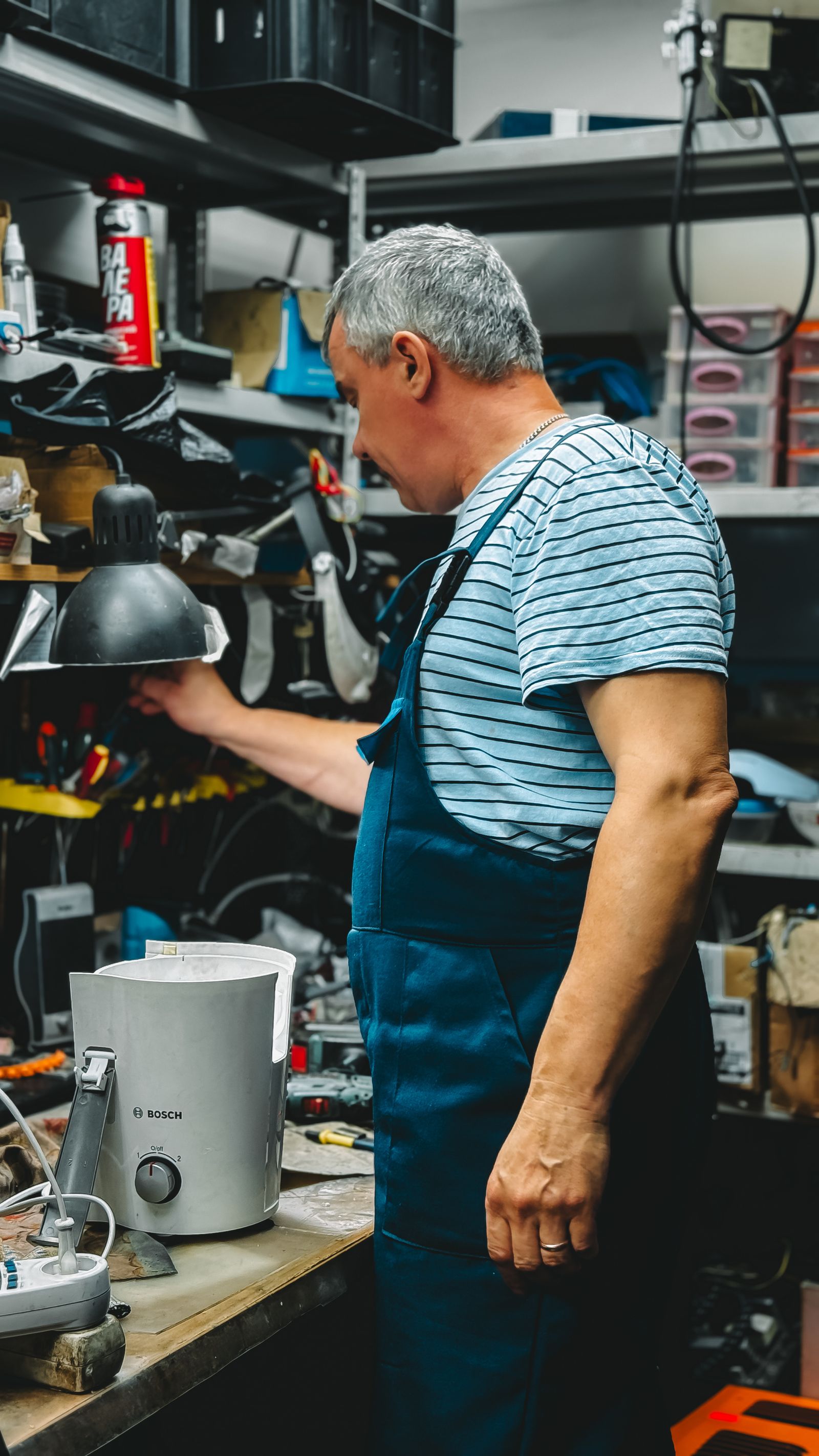
!Appliance repair technician at work — Google Business Profile Messaging: Turn It On or Off?
The Google 24-Hour Rule vs. Customer Expectations
Google has a strict requirement for businesses using this feature to ensure a good user experience. According to their own platform rules, Google requires businesses to reply to messages within 24 hours.
If your average response time creeps past that 24-hour mark, Google sends you a warning email. If you continue to ignore messages, they will simply revoke your access and remove the chat button from your profile entirely.
However, a 24-hour window is a lifetime in the home service industry. Assume a customer reaches out to three local roofers about a severe leak. They are not waiting until tomorrow for you to reply on Google. They are hiring the first person who actually answers them.
We tell our clients to follow the lead response time 5-minute rule. If you cannot answer that Google message within five minutes, you have likely already lost the job to a faster competitor.
Speed wins the job, not the chat feature.
When to Keep Messaging Turned Off
For the vast majority of local service businesses, leaving this feature off is the best move. It protects your brand reputation and forces customers to contact you through channels you actually monitor, like your phone line or website form.
| Business Setup | Recommendation | Why? |
|---|---|---|
| Solo operator in the field | Turn Off | You cannot stop working under a sink to type on a phone. |
| Business with no dedicated admin | Turn Off | Messages will sit unread while you drive between jobs. |
| Teams relying on sporadic phone checks | Turn Off | A 3-hour delay costs you the lead anyway. |
| Team with a dedicated dispatcher | Turn On | Staff is paid to monitor screens and reply instantly. |
| Business using AI automation | Turn On | Bots can reply in seconds, 24/7. |
Think about a plumbing company in Detroit dealing with winter emergencies. If a homeowner has a burst pipe, they need immediate help. If you have the chat button enabled, they might use it, assuming someone is there. When you do not reply for two hours because you are elbow-deep in freezing water, that customer is furious, and you lost the job. You would have been better off forcing them to call your office number directly.
An unanswered message is worse than no messaging option at all.
When to Turn Google Business Profile Messaging On
The only time you should enable this feature is if you have the infrastructure to support it. That means you fall into one of two categories: you have a dedicated human dispatcher sitting at a computer all day, or you use an automated system to reply instantly.
If you have a front office team whose sole job is to manage inquiries, routing Google messages to them is a great way to capture leads from people who prefer texting over calling.
Alternatively, if you are setting up an answering service in Miami Beach to catch your overflow volume, you can route your digital leads to an AI system. For example, our standalone AI receptionist product costs $199/mo and can handle these immediate interactions for you, ensuring every prospect gets an instant, helpful response 24 hours a day.
Automation turns a distraction into a high-converting lead source.
How to Turn Google Business Profile Messaging On or Off
Turning the feature on or off takes less than a minute. You do not need to call Google support or submit a ticket; you can control it directly from your search dashboard.
1. Make sure you are logged into the Google account associated with your business.
2. Search for your exact business name in Google Search, or simply search "my business".
3. In the management dashboard that appears above the search results, click on the "Messages" icon.
4. Click the three vertical dots (the menu icon) in the top corner of the messages window.
5. Select "Chat settings".
6. Toggle the "Turn on chat" button to the off position (it will turn grey).
Once toggled off, the chat button will disappear from your public profile immediately. Customers will now only see the options to call you, visit your website, or get directions.
Taking control of your lead channels reduces operational chaos.
Managing Expectations if You Leave It On
If you decide your business is equipped to handle Google messaging, you must set up basic safeguards. The most important feature to configure is your automated welcome message.
This is a short, automatic reply that sends the moment a customer opens a chat with you. Do not use this message to say "Hello, how can we help?". Use it to manage expectations and steer the customer to your preferred channel if they have an emergency.
A good welcome message looks like this: "Thanks for reaching out! We monitor this chat Monday through Friday, 8 AM to 5 PM, and typically reply within 15 minutes. If you have a service emergency, please call us immediately at 555-0199."
Clear boundaries prevent frustrated customers.
Does Google Business Profile Messaging Help Your Local SEO?
Many business owners keep the chat feature turned on because they mistakenly believe it will help them rank higher in the map pack.
Local SEO is the process of optimizing your online presence to attract more business from relevant local searches. While Google wants businesses to use its features, simply toggling the chat button on does not give you a magical ranking boost.
In fact, leaving it on and ignoring customers will hurt you. Google actively monitors your response rate. If you are wondering why your business isn't showing up on Google in Cullman or any other city, bad user engagement signals—like ignored messages—tell Google your business is unresponsive. It is far safer for your local visibility to turn the feature off than to provide a terrible chat experience.
For a deeper dive into what actually moves the needle for map rankings, read through the guides in our Local SEO & Google hub.
A clean, accurate, and responsive profile outranks a neglected one every time.
A Better Way to Capture Local Leads
Instead of stressing over another inbox you have to check manually, focus on driving traffic to a high-converting website that does the heavy lifting for you.
At Digital Advantage Studios, we build systems designed specifically for local service businesses that need leads, not more homework. Our Launch plan is just $99/mo with no setup fee. It includes a custom 1-page website that is generated in about 60 seconds and goes live today. Your custom domain is included and goes live within 24–48 hours once DNS propagates.
More importantly, it includes a 24/7 AI chatbot trained specifically on your business, along with lead capture that sends instant text and email alerts directly to your phone. If you want to add our AI receptionist to the Launch plan, it is only a $79/mo add-on. We handle your local SEO setup, secure hosting, daily backups, and you can cancel anytime with no long-term contracts.
Stop missing leads because you were too busy working to type a chat reply. Get a free site preview today and see exactly how your new system will look and function before you spend a dime.
Customers don't want a conversation; they want a booking.