The Exact Pages Every Contractor Website Needs to Convert
· Digital Advantage Studios LLC, Miami Beach, FL
Short answer: The essential pages a contractor website needs are the Home, Services, Service Area, About, Reviews, and Contact pages. This core structure answers the immediate questions customers have: what you do, where you work, who you are, and how to hire you. Start with these foundational elements before adding complex features.

The Core Framework: Answering the Customer's Questions
The exact pages a contractor website needs are a Home page, dedicated Services pages, a Service Area page, an About page, a Reviews page, and a clear Contact page. This structure is not arbitrary. It perfectly mirrors the psychological journey of a homeowner deciding who to invite into their living room to fix a problem.
When a potential customer lands on your site, they have a rapid-fire sequence of questions. Who are you? Can you fix my specific problem? Do you drive to my neighborhood? Are you reputable? How do I reach you? If your website forces them to dig through confusing drop-down menus to find those answers, they will simply hit the back button and call your competitor.
For a broader look at how these elements fit into your overall digital strategy and budget, you can read our complete guide in the Website Basics & Cost hub.
> Takeaway: Your website structure should directly mirror the sequence of questions a customer asks before deciding to hire you.
Let's break down the exact anatomy of these essential pages and what you must include on each one to turn traffic into booked revenue.
1. The Home Page: The Digital Dispatcher
Your home page is rarely the place where a customer makes their final buying decision. Instead, its job is to route traffic. A homeowner searching for a plumber might have a burst pipe, or they might be planning a slow bathroom remodel. Your home page needs to quickly identify their need and send them to the right place.
A hero section is the large visual banner at the very top of a webpage before you scroll down. This is the most valuable real estate on your entire website. It must state clearly who you are, what you do, and how to get in touch.
A strong home page avoids long, blocky paragraphs about your company history. Instead, it features tight grids of your core services with buttons that say "Learn More." It features trust badges from local associations, the Better Business Bureau, or specific manufacturer certifications.
> Takeaway: Treat your home page like a dispatcher whose only job is to route visitors to the specific service page they actually need.
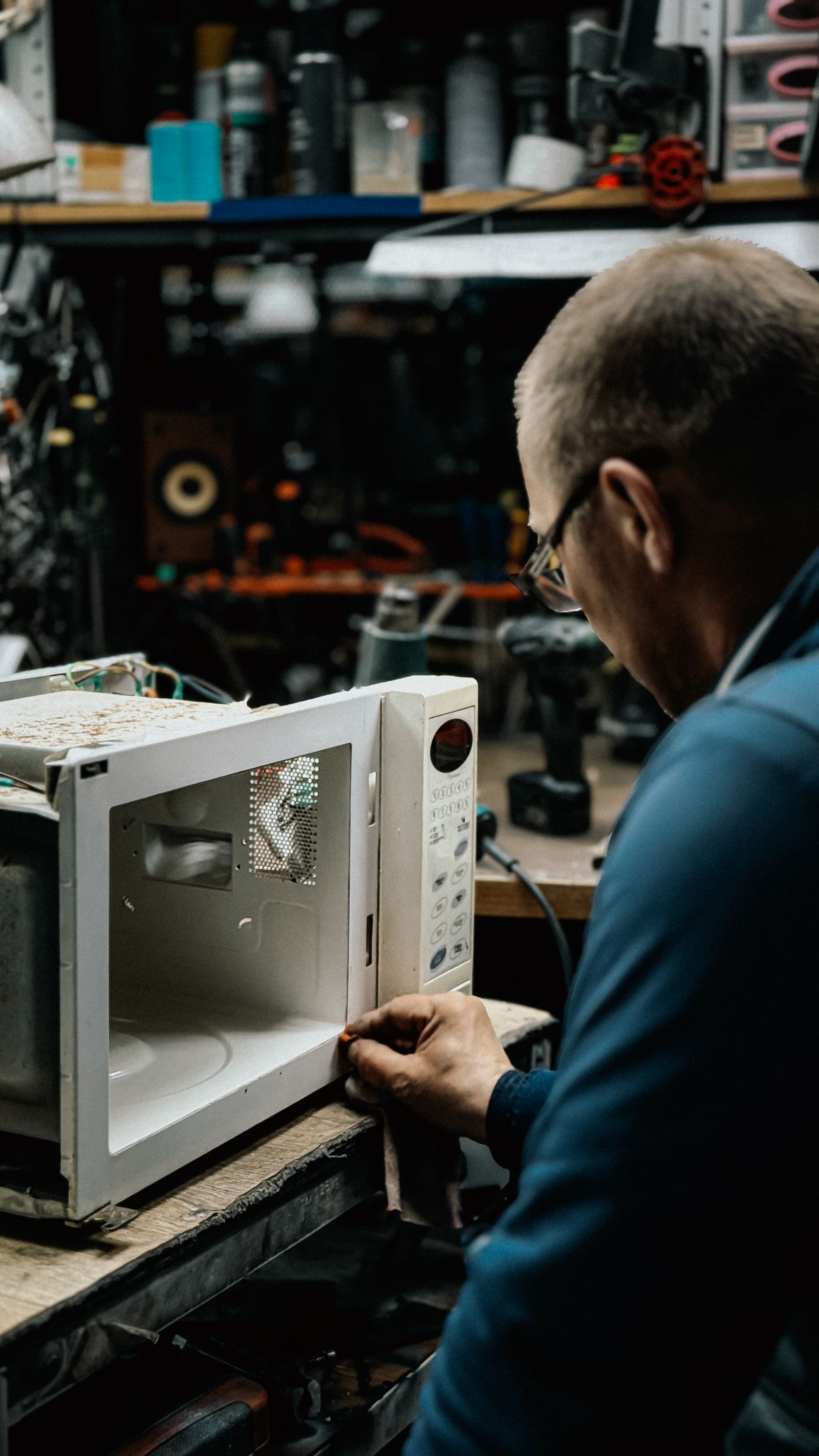
!Appliance repair technician at work — The Exact Pages Every Contractor Website Needs to Convert
2. Dedicated Service Pages: The Proof of Competence
One of the most common mistakes contractors make is dumping all their offerings onto a single "Our Services" page. They list everything in a bulleted format: residential, commercial, repairs, installations, maintenance. This is terrible for conversions, and it is even worse for search engines.
Local SEO is the practice of optimizing your online presence to attract business from local geographic searches. Google ranks individual pages, not entire websites. If a homeowner searches for "water heater replacement," Google wants to serve them a page entirely dedicated to water heater replacement, not a generic plumbing page that merely mentions water heaters in a bullet point.
When we look at plumbing company website cost Durango and what separates successful local sites from failing ones, the difference is almost always dedicated service pages. You need a unique page for your most profitable jobs. If you are an HVAC contractor, you need a page for AC Repair, a page for AC Installation, a page for Furnace Repair, and a page for Indoor Air Quality.
Each of these pages should follow a strict structure:
- The Problem: Acknowledge the pain point (e.g., "No hot water?").
- The Solution: Explain how your specific service fixes it.
- The Process: Detail what happens when they hire you (e.g., "1. We inspect, 2. We quote upfront, 3. We install").
- The Call to Action: A clear button to book the service.
> Takeaway: Creating a dedicated page for every specific service you offer tells search engines exactly what you do and shows customers you are an expert in their specific problem.
3. The Service Area Page: The Boundary Setter
Nothing is more frustrating than paying for a click, getting a lead, spending time on the phone, and then realizing the customer lives an hour outside of your radius. Your service area page prevents this.
This page needs to explicitly list the towns, counties, and neighborhoods you serve. It should include an embedded map showing your radius.
LocalBusiness schema is code that helps search engines understand your local business details like your address, phone number, and geographic service area. Including this code on your service area page helps Google understand exactly where to show your business in search results.
> Takeaway: Clearly defining your geographical boundaries on a dedicated service area page protects your time and keeps you from chasing dead-end leads.
4. The About Page: The Trust Builder
Home services are inherently invasive. You are asking someone to let a stranger into their home, often around their family and their belongings. Before they pick up the phone, they want to know who they are dealing with.
Most contractor About pages are incredibly dry. They say, "We are a family-owned business providing quality service since 2005." That means nothing to a buyer because every single competitor says the exact same thing.
Instead, use this page to show real faces. Put up a high-quality photo of the owner. Show a picture of your branded trucks parked in front of the shop. Show your technicians in their clean uniforms. Explain why you started the business and what your specific standards are for the people you hire.
Even for visually driven businesses like auto detailing, the trust factor is massive. When evaluating auto detailing shop website design Detroit, the shops that show the owner standing proudly next to a finished vehicle consistently out-convert shops that only use stock photos of shiny cars.
> Takeaway: An About page with real photos of your trucks, uniforms, and team builds critical trust before you ever knock on a customer's door.
5. The Reviews Page: The Social Proof
You can tell a customer you are the best contractor in town, but they will always view your claims with skepticism. However, if fifty of their neighbors say you are the best contractor in town, they will believe it instantly. This is the power of a dedicated reviews page.
Do not simply copy and paste text reviews onto a page. Customers know these can be faked. Instead, use a live feed from Google or Facebook.
An embed widget is a small piece of code that displays dynamic content from another platform directly on your website. Using an embed widget to stream your Google Business Profile reviews directly onto your site proves that the reviews are legitimate, recent, and verifiable.
> Takeaway: Customers trust third-party, verifiable reviews from their neighbors significantly more than any marketing copy you write about yourself.
6. The Contact Page: The Conversion Point
By the time a visitor clicks on your Contact page, they have decided they want to talk to you. Your only job now is to get out of their way.
A call-to-action (CTA) is a button, link, or text prompting a user to take the next immediate step. Your contact page should be nothing but clear CTAs. Give them the phone number in a large, clickable font. Give them your physical address if you have a showroom or office. And provide a contact form.
Keep the form incredibly simple. If you want to understand the math behind why complex forms kill leads, read our guide on the 3-field contact form rule. Ask for their name, their phone number, and a brief description of their problem. That is it. Do not ask for their street address, their budget, or how they heard about you on the initial form. Save those questions for the phone call.
> Takeaway: Every extra field you add to a contact form acts as a roadblock between your business and a new paying customer.
Minimum Viable vs. Growth Structures
Understanding the pages a contractor website needs is only half the battle; knowing how to deploy them based on your budget is the other half. Here is a quick breakdown of how site architecture evolves.
| Page Element | Minimum Viable Structure | Growth/Advanced Structure |
| :--- | :--- | :--- |
| Home | Clear hero section, list of services, main CTA | Advanced animations, video headers, dynamic review feeds |
| Services | Grouped into clear sections on a single page | Individual dedicated URLs for every specific trade service |
| Service Area | List of counties/cities served | Dedicated "City Pages" targeting specific local keywords |
| About | Owner photo, short bio, license numbers | Detailed team profiles, hiring standards, company history |
| Contact | Simple 3-field form, phone number | Integrated AI chat, direct CRM calendar booking |
When you are just starting out, or if you need to get online immediately, these functional areas do not necessarily have to be distinct URLs. They can live as distinct, scrollable sections on a highly optimized single-page website.
Our Launch plan at Digital Advantage Studios is built entirely around this concept. For $99/mo with no setup fee, we deliver a custom 1-page website live in 48 hours. It includes all of these core structural elements, a custom domain, a 24/7 AI chatbot trained on your business, lead capture with instant text and email alerts, and your Google reviews widget. It gives you the perfect functional foundation without the massive upfront cost.
As your business grows—similar to the scaling we discuss in the plumbing company website cost Harrison guide—those sections break out into their own dedicated pages. Our Growth plan ($449/mo + $299 setup) takes that 1-page foundation and expands it, adding monthly SEO work, blog posts, and an included AI receptionist to handle the increased call volume.
Stop Overthinking and Launch
The biggest mistake you can make is delaying your launch because you think you need a massive, thirty-page website. You do not. You need a site that clearly explains what you do, where you do it, and why you can be trusted.
Start with the essential pages. Make sure your contact form works. Make sure your phone number is clickable. Make sure there is a real photo of you on the site.
If you are ready to stop worrying about site architecture and want a system that just captures leads, you can get a free site preview from our team today, or compare our exact inclusions on our pricing page. We build the foundation, you run the business, and you can cancel anytime.