Using a QR Code for Google Reviews: Where They Actually Work
· Digital Advantage Studios LLC, Miami Beach, FL
Short answer: A QR code for Google reviews works best at the natural conclusion of a successful job. The ideal locations are a final printed invoice, a physical leave-behind card, or a countertop display where the customer is stationary. They fail completely when slapped on moving vehicles or handed to rushed customers walking out the door.
Where a QR Code for Google Reviews Actually Works
A QR code for Google reviews works best at the natural conclusion of a successful job. The ideal locations are a final printed invoice, a physical leave-behind card, or a countertop display where the customer is stationary. They fail completely when slapped on moving vehicles or handed to rushed customers who are already walking away.
Generating positive reviews is one of the most frustrating challenges for a local service business. You do excellent work, the customer smiles, they promise to leave a glowing review, and then life gets in the way. By the time they sit down on the couch that evening, reviewing your plumbing or landscaping company is the last thing on their mind.
This is where technology bridges the gap between good intentions and actual action.
The Mechanics: How QR Codes Drive Reviews
A QR code is a machine-readable square barcode consisting of an array of black and white squares, used for storing URLs or other information for reading by the camera on a smartphone.
When a customer points their phone camera at the code, it acts as a digital shortcut. Instead of asking them to open a browser, search for your business name, scroll down to the reviews section, and click the "Write a Review" button, the code teleports them directly to the five-star rating screen.
The logic here is simple: you must remove every possible barrier between a happy customer and the submit button. If a customer has to search for you, you will lose them. If they have to click three times, you will lose them.
> Reducing friction is the single most important factor in whether a satisfied customer actually follows through on leaving a review.
!Health professional at work — Using a QR Code for Google Reviews: Where They Actually Work

Where to Place Your QR Code (The Checklist)
Location dictates conversion. If you put the code in front of a customer at the wrong time, it becomes invisible. If you place it exactly when they are admiring your finished work, it becomes highly effective.
Here is a checklist of the most reliable places to put a QR code for Google reviews:
- The Final Printed Invoice: When you hand over the final paperwork, the customer is formally closing the transaction. A polite request printed near the total amount catches them at the perfect moment.
- A Physical Leave-Behind Card: Service professionals often leave a magnet, a business card, or a maintenance checklist behind. Adding a review code to a "How to care for your new installation" card is incredibly effective.
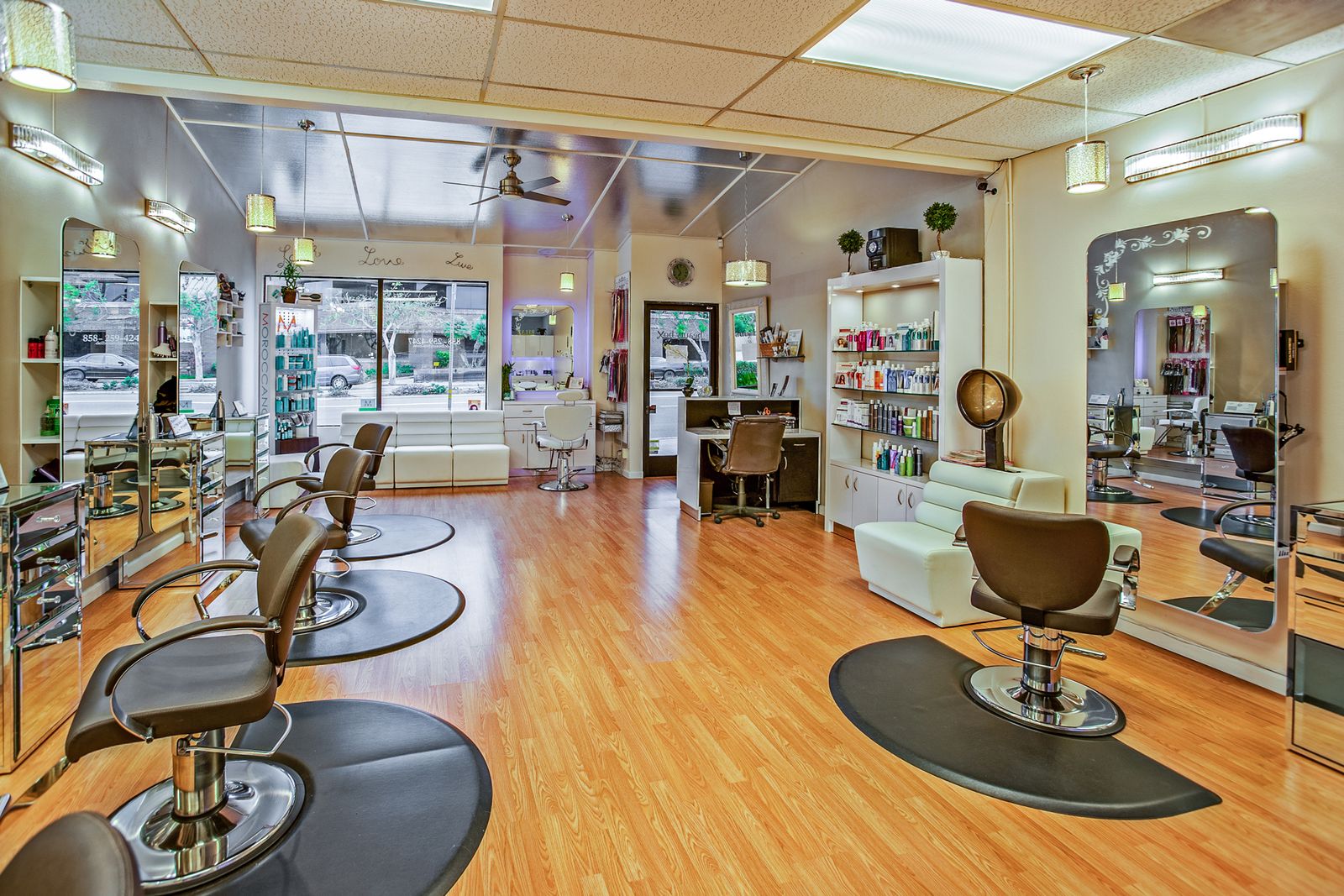
- Countertop Displays (For Retail/Offices): If you operate a salon or a physical storefront, a small acrylic stand at the checkout register works wonderfully while the customer is waiting for their receipt.
- Equipment Stickers: Plumbers, electricians, and HVAC technicians should place service stickers directly on the water heater, electrical panel, or furnace they just repaired.
When we look at a successful Plumbing Company Website Design Detroit strategy, the offline handoff is just as important as the website itself. The website generates the initial lead, but the physical leave-behind card handed over in the customer's home generates the review that fuels the next lead.
> A well-placed review code captures the customer's gratitude at the exact moment your work looks its absolute best.
Where Review QR Codes Fail Miserably
Business owners often get excited about QR codes and start putting them everywhere. This usually results in wasted money on printing and zero new reviews. Context is everything.
First, never put a review QR code on the side of a moving company truck or van. Nobody is scanning a complex barcode with their phone camera while driving down the highway, and pedestrians walking past a parked truck are generally not your past customers.
Second, avoid putting review codes on the front page of your marketing brochures or pre-job estimates. You are asking for a review before the service has been delivered, which confuses the customer and clutters your sales material.
Finally, QR codes fail in rushed environments. If you hand a card to a customer who is wrangling a crying toddler or rushing back to their office, they will not scan it.
> A QR code is a tool for capturing existing goodwill, not a magic trick to generate reviews from distracted or indifferent customers.
How to Build Your Direct Review Link
Before you can print a code, you need the right digital destination. You do not want to send people to your homepage. You want to send them directly to the Google review interface.
Here is how to find your specific link:
1. Log into the Google account associated with your Google Business Profile.
2. Search for your business name on Google.
3. In the merchant dashboard that appears directly in the search results, click the button that says "Ask for reviews."
4. Google will provide a short link. Copy this exact URL.
5. Paste this URL into any reliable, free QR code generator online.
6. Download the resulting image file (usually a PNG or SVG) to use on your printed materials.
If you operate a home service business in a competitive market, you know that every review counts. An owner reviewing a Plumbing Company Website Cost Durango might hesitate on marketing spend, but generating a free QR code and printing it on existing invoices costs practically nothing while driving immense value.
> Generating a direct review link guarantees the customer lands exactly where they need to be, skipping the search results entirely.
Bridging Offline Interactions to Online Reputation
The most successful local businesses treat reputation management as an ecosystem. It is not just about the code on the card; it is about the entire customer journey.
To understand how this fits into your broader strategy, we highly recommend reading through our main hub on Reviews & Reputation. You will see that the way you answer the phone, the way you quote the job, and the way you ask for the review are all interconnected.
For example, if you miss a customer's initial phone call, you start the relationship on a negative note. If you operate locally, having a reliable system—like an Answering Service for Small Business Miami Beach guide details—ensures the customer experience remains high from the very first ring. A customer who was greeted professionally on day one is vastly more likely to scan your code on day three.
> Your online reputation is simply a digital mirror reflecting the quality of your offline customer service.
Review Code Placements (The Comparison Table)
Not all physical placements are created equal. Use this table to determine where your business should focus its printing efforts.
| Placement Location | Friction Level | Ideal Business Type | Effectiveness |
| :--- | :--- | :--- | :--- |
| Final Printed Invoice | Low | Home Services, Trades | Very High |
| Countertop Display Stand | Low | Salons, Retail, Medical | High |
| Equipment Service Sticker | Medium | HVAC, Plumbing, Electrical | High (Long-term) |
| Business Card (Back) | Medium | Consultants, B2B | Moderate |
| Company Vehicle Wrap | Extremely High | All Businesses | Poor |
Connecting Your Reviews to Your Website
Collecting reviews is only half the battle. The second half is displaying those hard-earned reviews where future customers can see them: directly on your website.
Local SEO is the practice of optimizing your business's online presence to attract more customers from relevant local searches. A massive part of this optimization involves proving your credibility through reviews. When a potential customer lands on your site, they need to see recent, authentic praise from their neighbors.
At Digital Advantage Studios, we bake this directly into our foundational offering.
Our Launch plan is $99/mo, with no setup fee. It explicitly includes a custom 1-page website live in 48 hours, a custom domain included, and a Google reviews widget to display your reputation automatically. It also includes the generation of your QR code to help you collect more reviews, a 24/7 AI chatbot trained on your business, lead capture with instant text and email alerts, local SEO setup (LocalBusiness schema, sitemap, and Google indexing), a monthly performance report, and hosting, SSL, and daily backups. There are no long-term contracts, and you can cancel anytime.
If you want to read more about how those reviews push your site up the search ladder, our guide on How Reviews Affect Local Rankings explains the mechanics behind the search algorithm.
> A five-star review collected in the field is useless unless it is prominently displayed where your next customer is looking.
The Role of Automated Communication
Sometimes, a physical QR code is not enough. The modern consumer expects immediate digital communication.
If you want to ensure every customer is asked for a review, you need to automate the process. This starts with how you handle communication from the beginning of the job. If your AI handles the booking smoothly, the review ask becomes a natural extension of that digital relationship.
We offer standalone AI receptionist product tiers to handle this communication seamlessly. You can choose the Standalone AI receptionist for $199/mo, or use it as an Add-on to the Launch plan for $79/mo. By streamlining your customer communication, you guarantee a better experience, which directly translates to better reviews when they finally scan that code.
Your Next Step to Better Reviews
You do not need to overcomplicate your reputation management. Start by generating your direct Google review link. Print it cleanly on your final invoices or a simple business card. Train yourself and your staff to hand it over at the exact moment the customer says, "Thank you, it looks great."
Once you start collecting those reviews, make sure your website is actually putting them to work.
If your current website is outdated or failing to display your reputation properly, you can Get a Free Site Preview from us today. We will show you exactly how a modern, conversion-focused website will display your reviews, capture leads, and grow your local service business—all built and ready to launch in 48 hours.